
Ship support articles
10x faster
Take screenshots, write content, and ship support articles faster with AI that does the heavy lifting so customers get answers and your team gets time back.
Take screenshots, write content, and ship support articles faster with AI that does the heavy lifting so customers get answers and your team gets time back.
Works seamlessly with wherever you host docs today—no painful migration, just connect and go.

A Chrome extension that captures and annotates pixel-perfect screenshots in seconds—no more switching between tools or hunting for the right app.
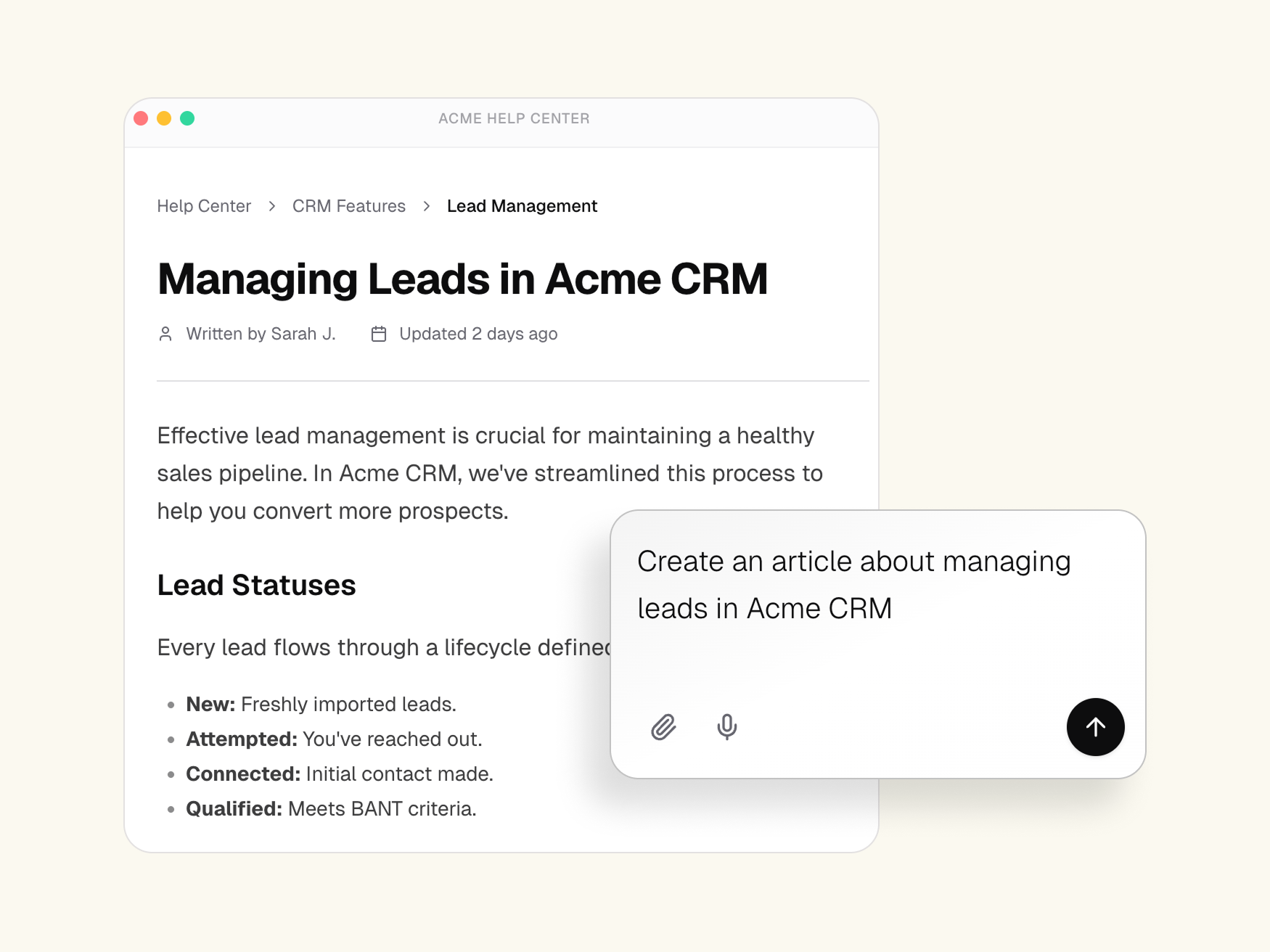
Trained on your docs and style guide, it uses your screenshots as context to write clear, on-brand articles that sound like you, not a robot.
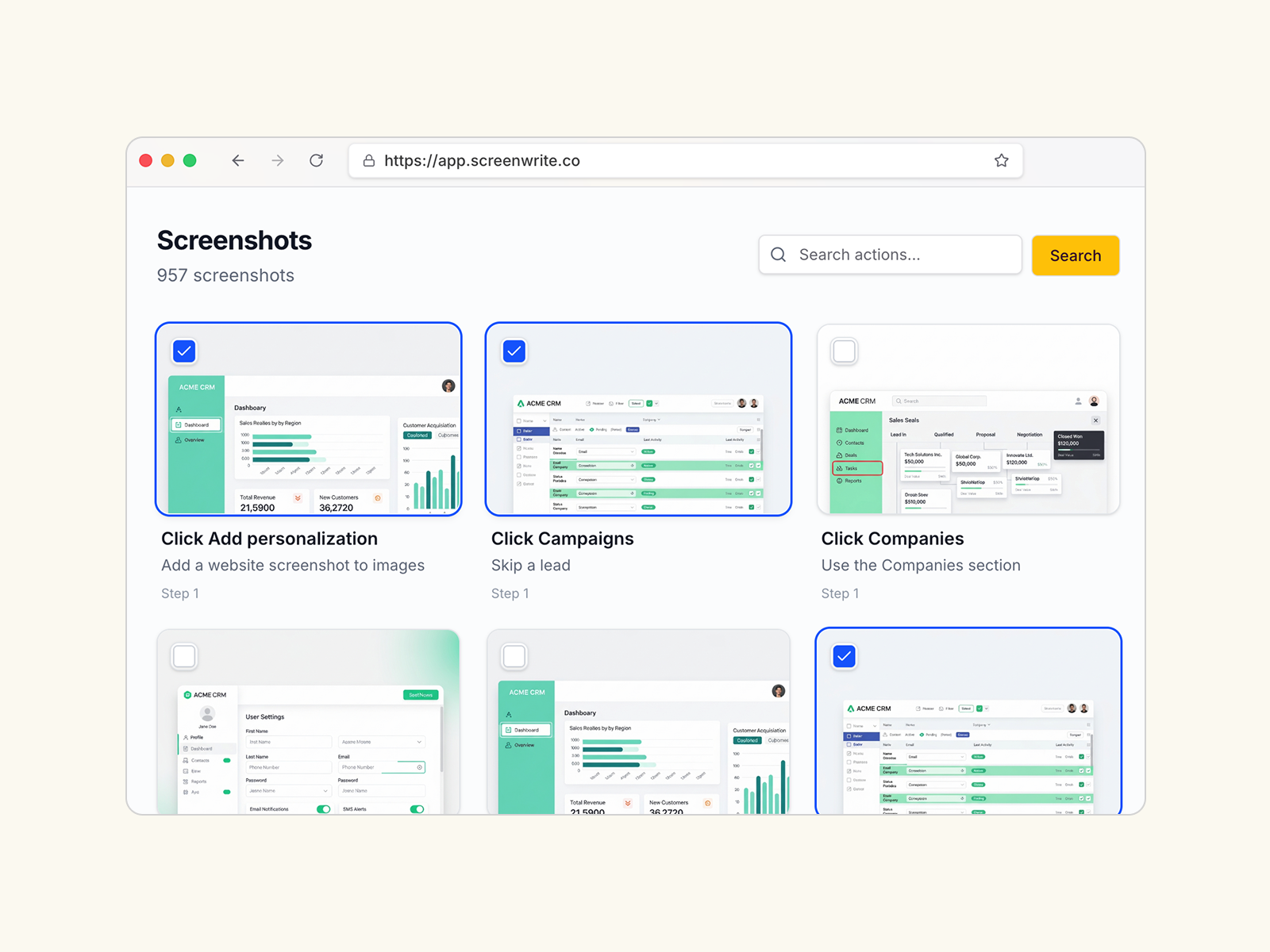
Every screenshot you capture is automatically saved and organized. Search, reuse, and update images across multiple articles.
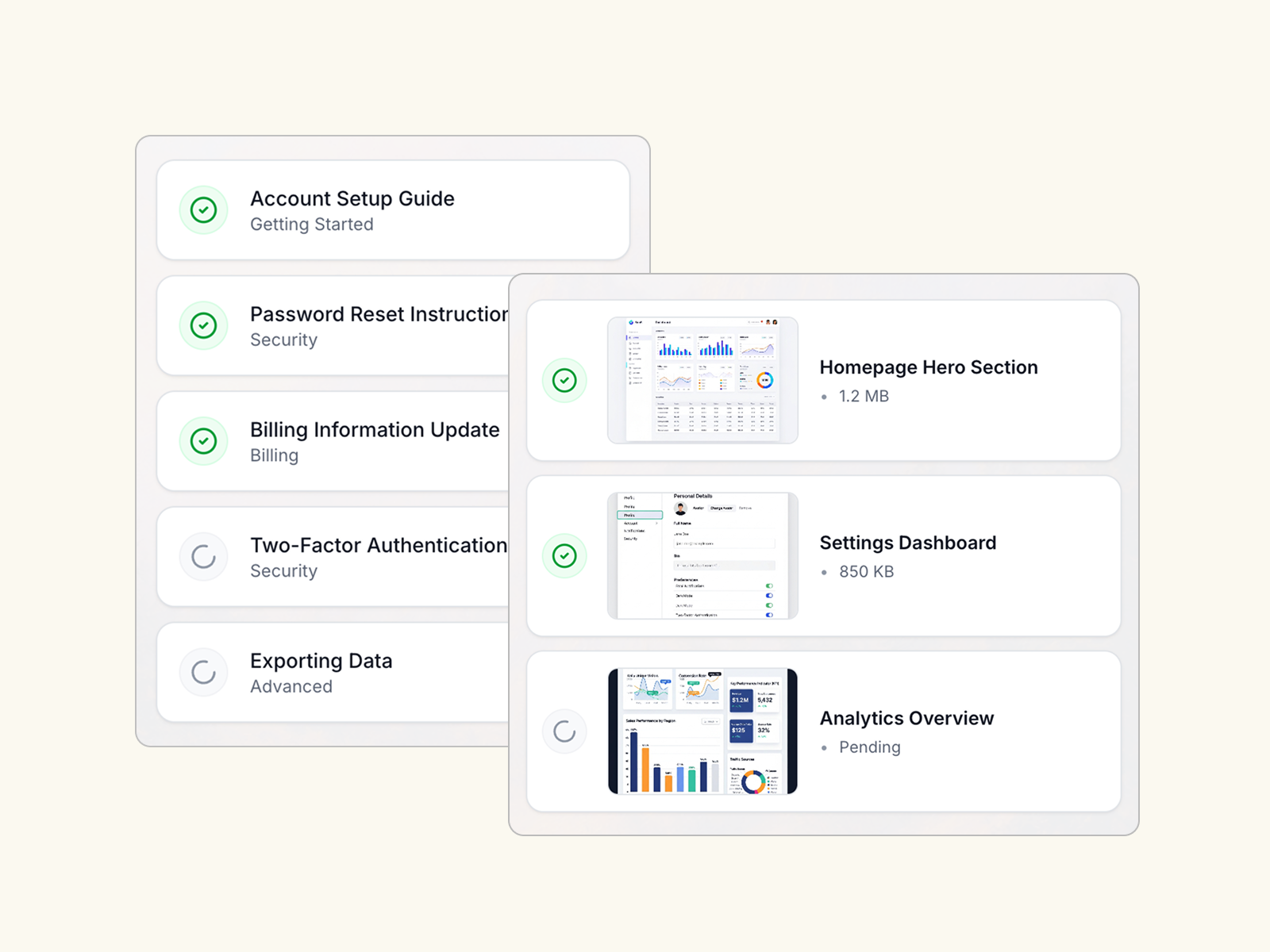
Update hundreds of articles at once when you rebrand, change terminology, or update workflows—what used to take weeks now takes minutes.
Start free, scale when you're ready.
Perfect for getting started